A tap probe watching an SRT feed
The whole journey, from an empty machine to a probe analysing a live stream: initialise norsk-ctl, register probe with a license, build a tap template, launch it, and give it something to watch. Nothing here is pre-seeded.
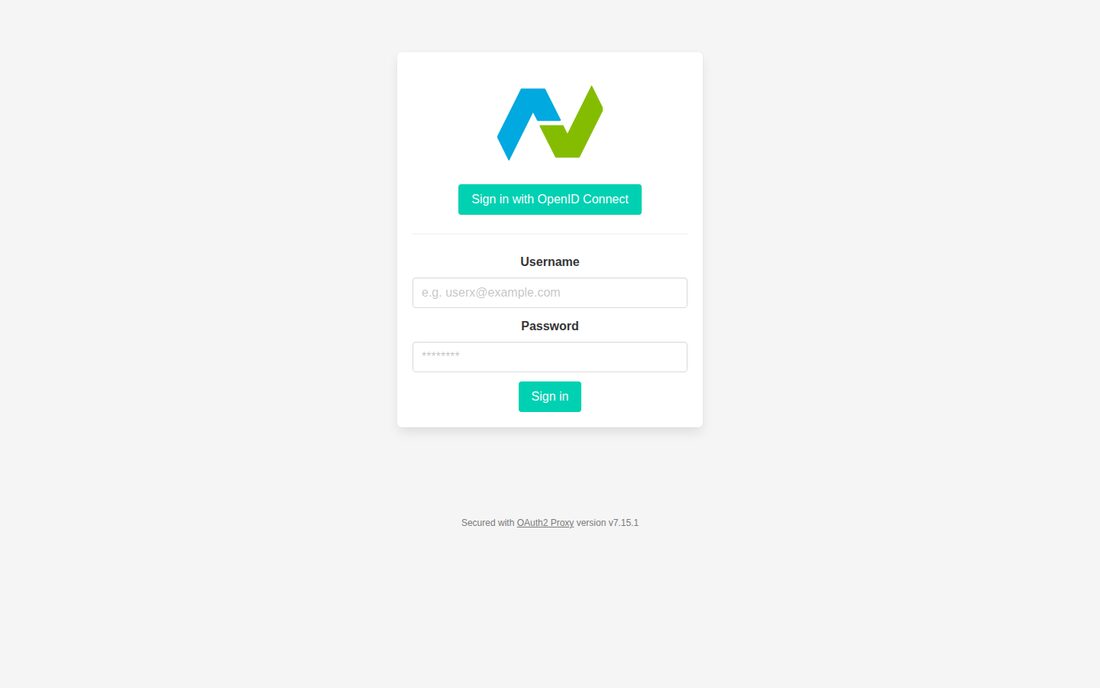
01 Sign in
Section titled “01 Sign in”init has written the config and the first proxy user; the browser lands on the sign-in form that user backs.
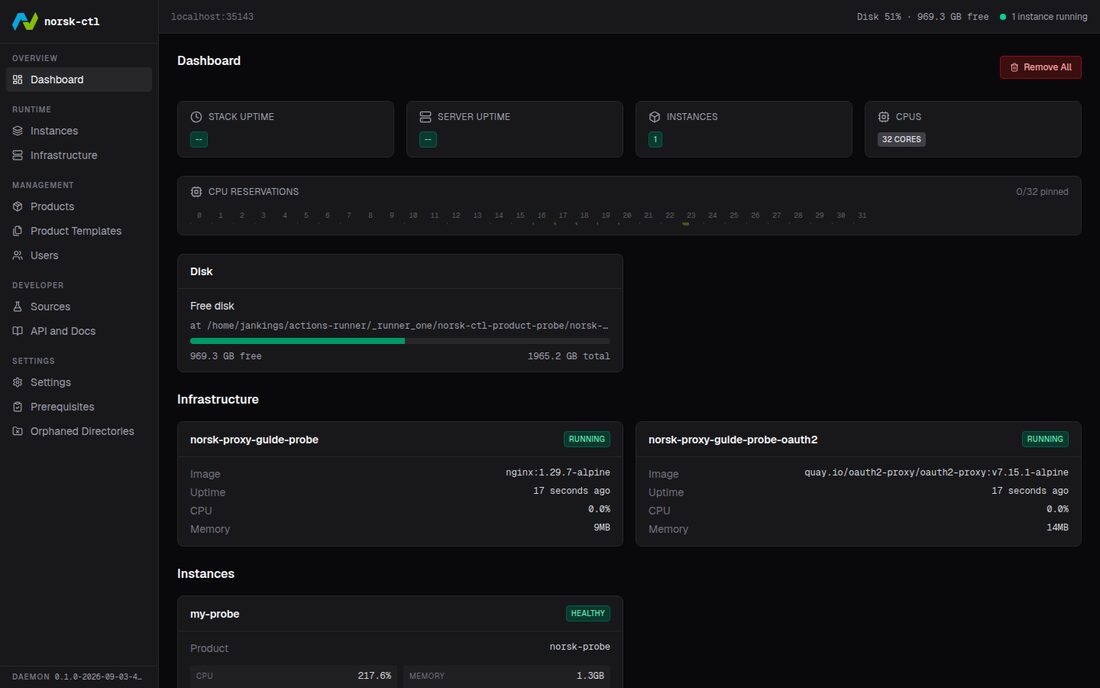
02 The platform, with probe registered
Section titled “02 The platform, with probe registered”Registration pulled the image, read the manifest and stored the templates probe publishes by default.
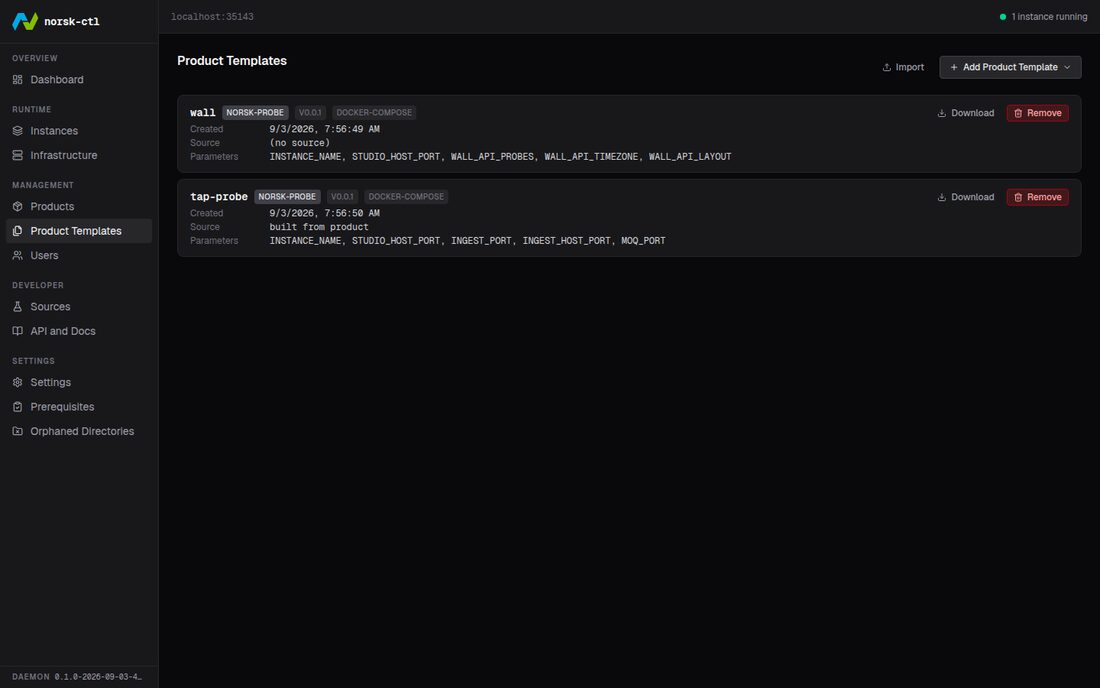
03 Two templates
Section titled “03 Two templates”The wall registration published, and the tap probe just built — an SRT listener on port 5001 for stream id camera1.
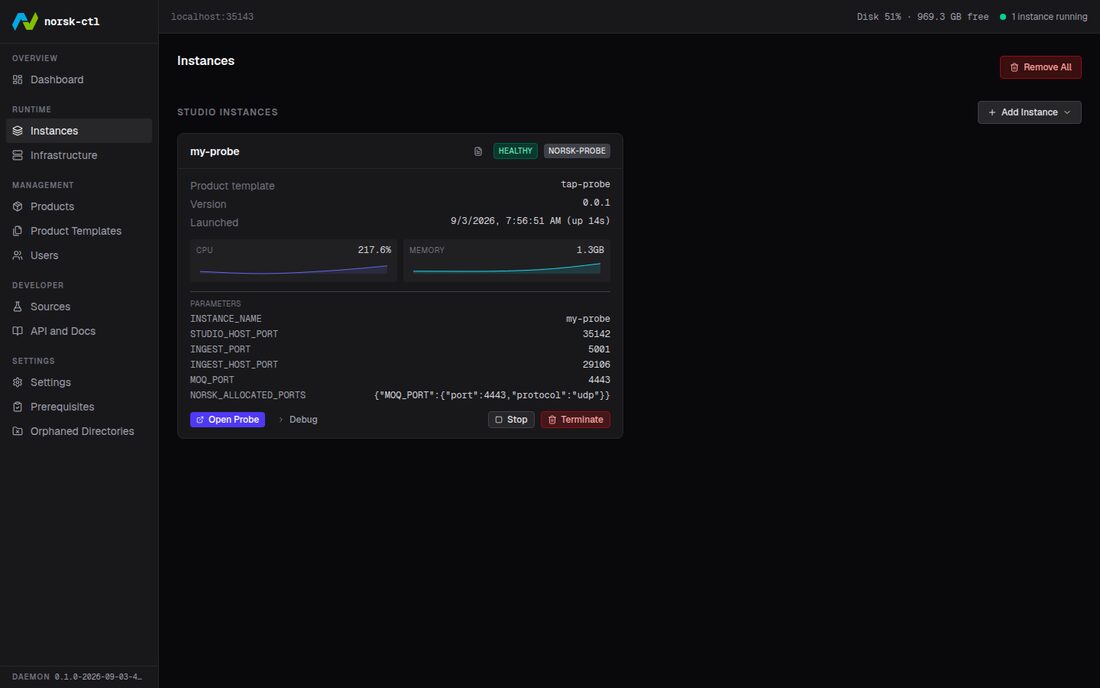
04 Launch it
Section titled “04 Launch it”Launching starts the instance’s containers. The probe comes up healthy and listens, with no stream on the port yet.
05 Pick a source
Section titled “05 Pick a source”The Sources page, with this probe chosen as the target. The sample source pushes over the transport the template declared.
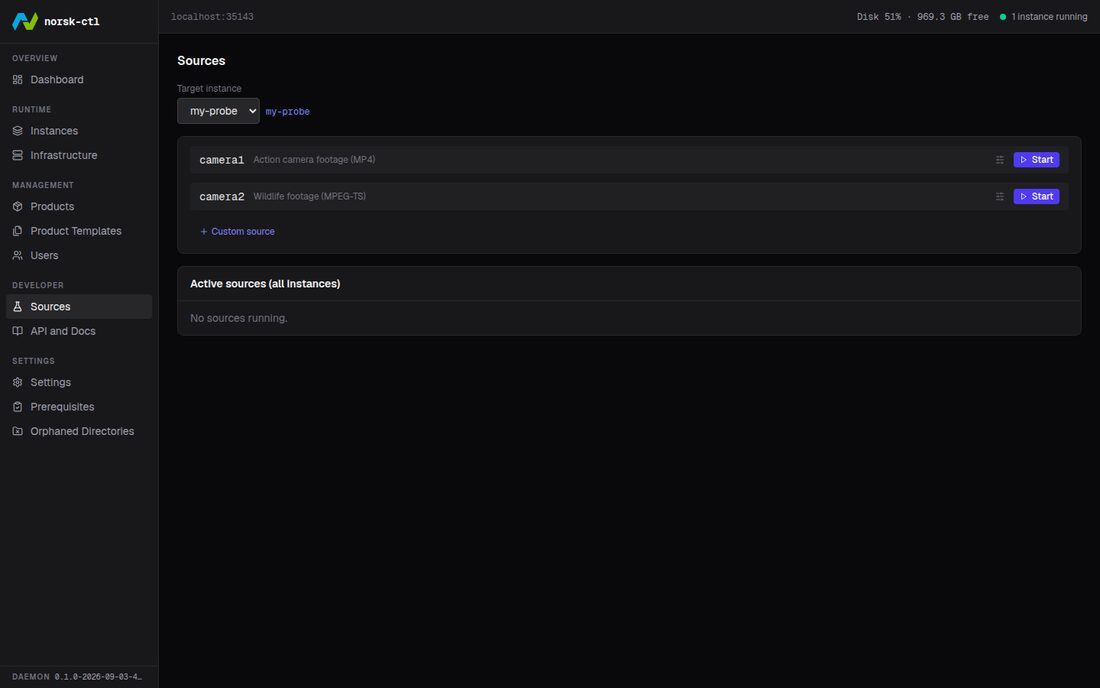
06 The stream arrives
Section titled “06 The stream arrives”The source reports running, and so does the probe: the row and the probe’s API agree that a stream is being analysed.
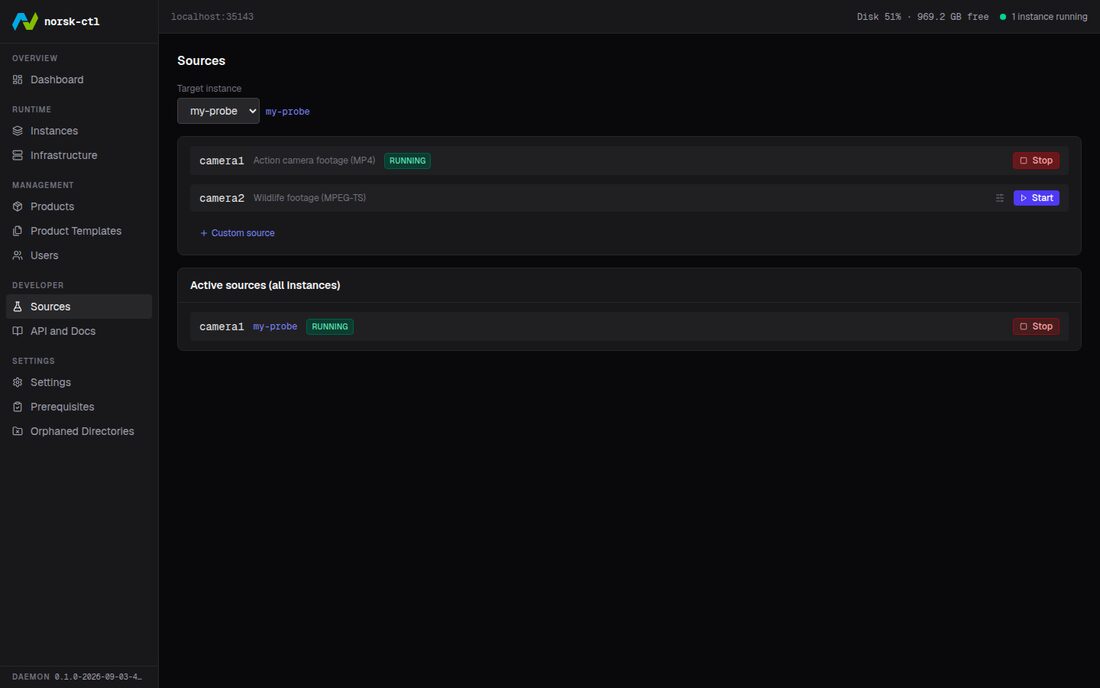
07 Read it
Section titled “07 Read it”The probe’s own dashboard, analysing the live stream. Stopping the source is enough to see it notice; deleting the instance stops its containers and frees its ports.
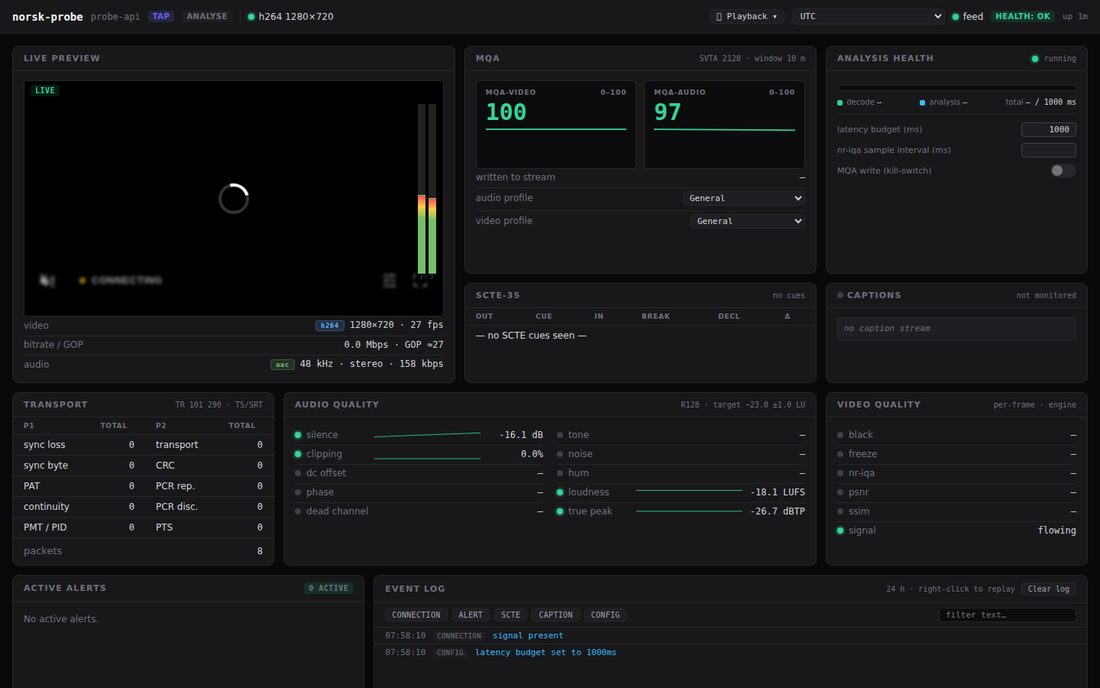
Uses: Watch without touching, The operator view, When it goes wrong, Many probes at once, Run by norsk-ctl