Zero to Hero (Proxied)
First installation
Section titled “First installation”Initialise norsk-ctl
Section titled “Initialise norsk-ctl”Run norsk-ctl init to create the configuration file with your default working directory and an initial proxy user. This only needs to be done once. Licenses are supplied later, when a product is registered.
norsk-ctl init --working-directory /tmp/workspace --proxy-user admin --proxy-password testpass1Proxy user "admin" created, holding the "admin" platform roleConfig written to ~/.norsk-ctl/config.yamlYou can add or update proxy users later with norsk-ctl user set <name>.
Register the Studio product
Section titled “Register the Studio product”Register Norsk Studio as a product so its template is available to launch from the dashboard. Run this once from the command line.
norsk-ctl product add --image norskvideo/norsk-studio-product:2026-07-21-a3d4d173 --license-file ~/norsk-license.jsonname: norsk-studiospec: kind: container image: norskvideo/norsk-studio-product:2026-07-21-a3d4d173port: 34428containerId: 162cf232a56f27060a54f72546f67c337384bdea7e53311d8ccb4fe67971dd7eaddedAt: 2026-10-04T11:25:02.178Zrunning: truehealth: unknownmanifest: manifestSchemaVersion: 1 name: norsk-studio version: 0.0.1 minRunnerVersion: 0.1.0 api: basePath: /api proxyPaths: - /api/* - /configure - /configure/* openapiFragmentPath: /api/openapi.yaml mcpPath: /mcp healthCheckPath: /healthz productMcpPath: /mcp ui: configScreenUrl: /configure sidebarEntries: [] dashboardWidgets: [] productTemplateActions: - label: Add examples product template configScreenUrl: /configure?template=examples - label: Add dev product template configScreenUrl: /configure?template=dev cli: subcommandTree: - name: plugin description: Scaffold and build Norsk Studio plugins flags: [] subcommands: - name: create description: "Scaffold a new plugin into the working directory's components/" flags: - name: name description: Plugin package name required: true - name: workingDirectory description: Working directory to scaffold into required: true - name: studioTag description: Studio image tag to scaffold against request: method: POST path: /api/plugins/create - name: list description: List plugins discovered in the working directory flags: - name: workingDirectory description: Working directory to inspect required: true request: method: GET path: /api/plugins - name: install description: Install an npm package as a plugin into the working directory flags: - name: pkg description: npm package to install required: true - name: workingDirectory description: Working directory to install into required: true - name: studioTag description: Studio image tag to install against request: method: POST path: /api/plugins/install - name: build description: "Bake the working directory's plugins into a studio image" flags: - name: tag description: Tag for the baked image required: true - name: workingDirectory description: Working directory whose plugins to bake required: true - name: fromImage description: Base studio image to bake onto - name: fromTag description: Base studio image tag - name: push description: Push the baked image to its registry type: boolean request: method: POST path: /api/plugins/build targets: - docker-compose components: [] runtime: sharedWorkingDirectory: false defaultProductTemplates: - name: studio-examples url: /api/product-templates/examples - name: studio-dev url: /api/product-templates/dev export: include: - studio-save-files/** - dashboards/** - components/** - assets/** - "*.yml" - "*.yaml" exclude: - "**/node_modules/**" - recordings/** - logs/** - "**/*.mp4" - "**/*.ts3"license: mode: byol file: ~/.norsk-ctl/licenses/norsk-license.jsonwarnings: - license is marked NON-PRODUCTION — not valid for production deploymentsGetting started
Section titled “Getting started”Sign in
Section titled “Sign in”Navigate to the proxy URL. Unauthenticated requests are met with a sign-in form backed by the user you configured during init.
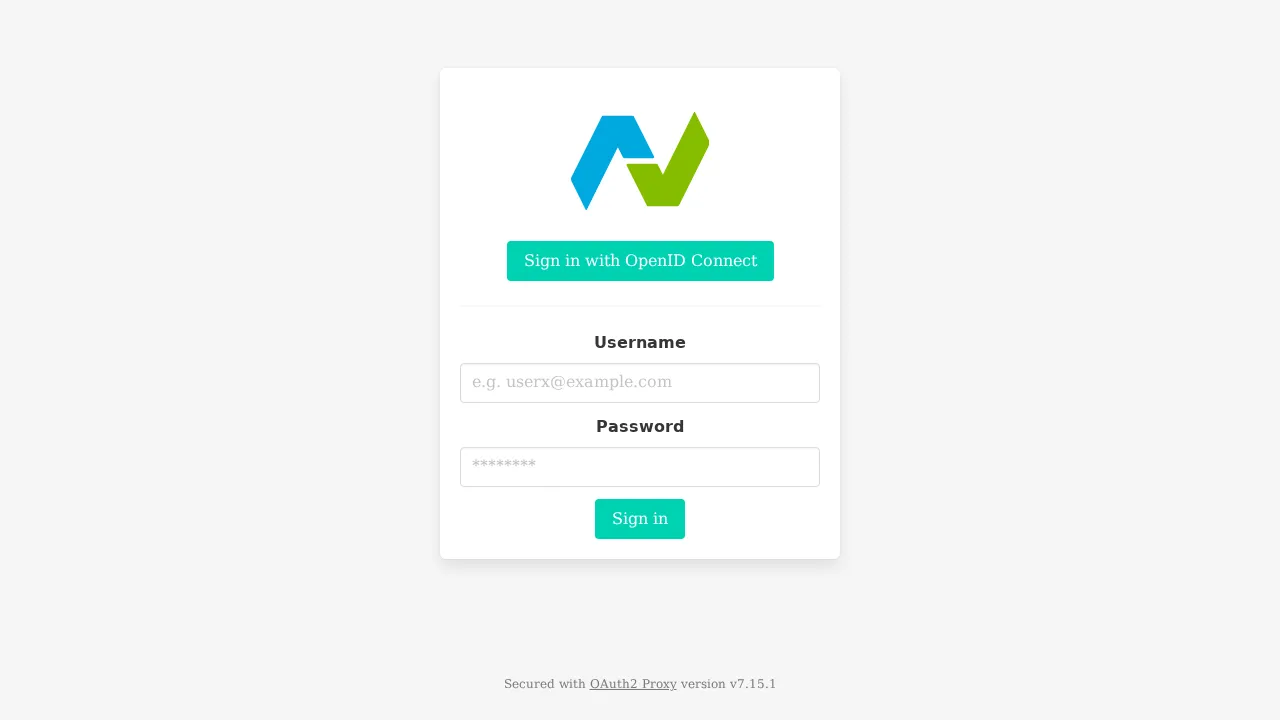
Enter your username and password and click Sign in.
Open the dashboard
Section titled “Open the dashboard”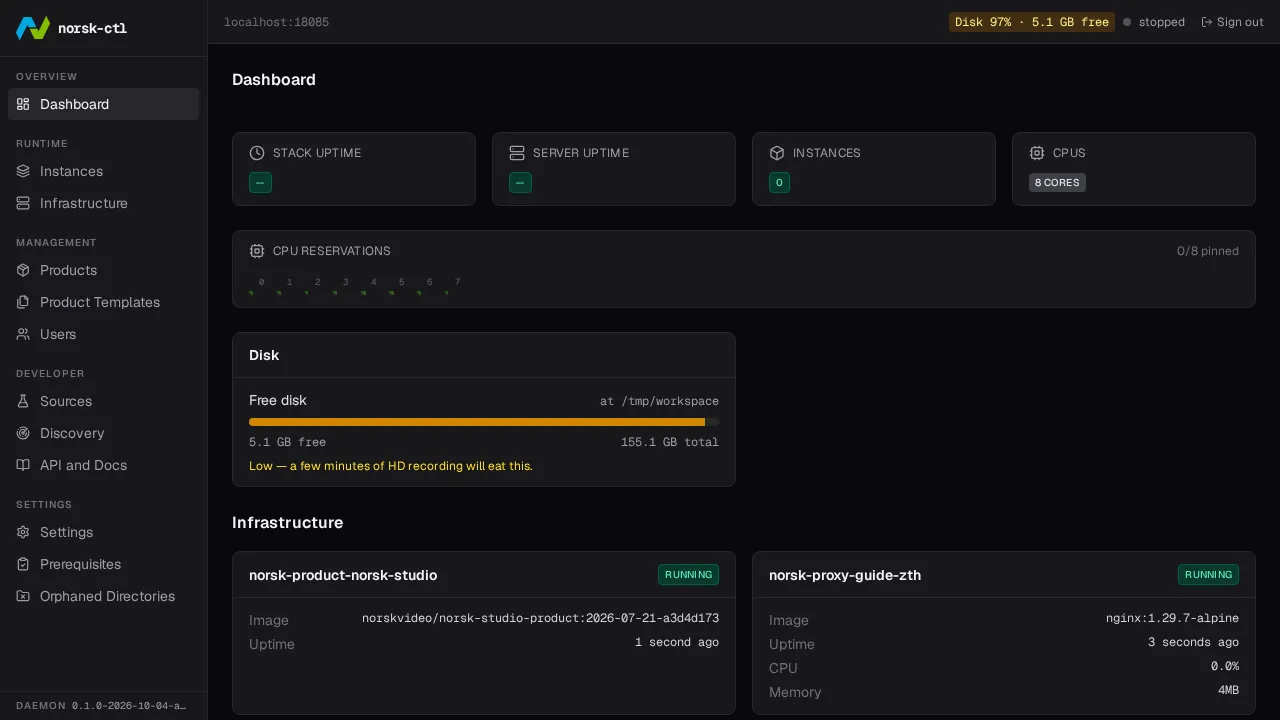
Navigate to the Instances page
Section titled “Navigate to the Instances page”Click Instances in the sidebar to manage instances.
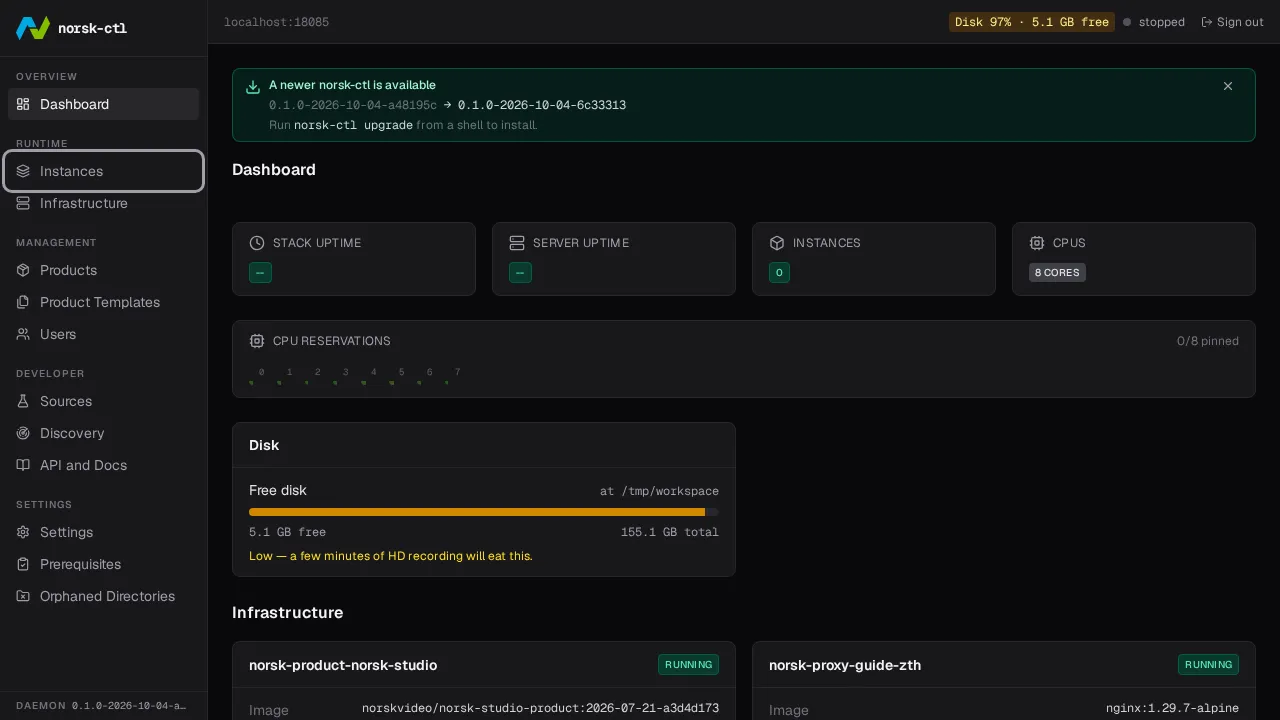
Launch an instance
Section titled “Launch an instance”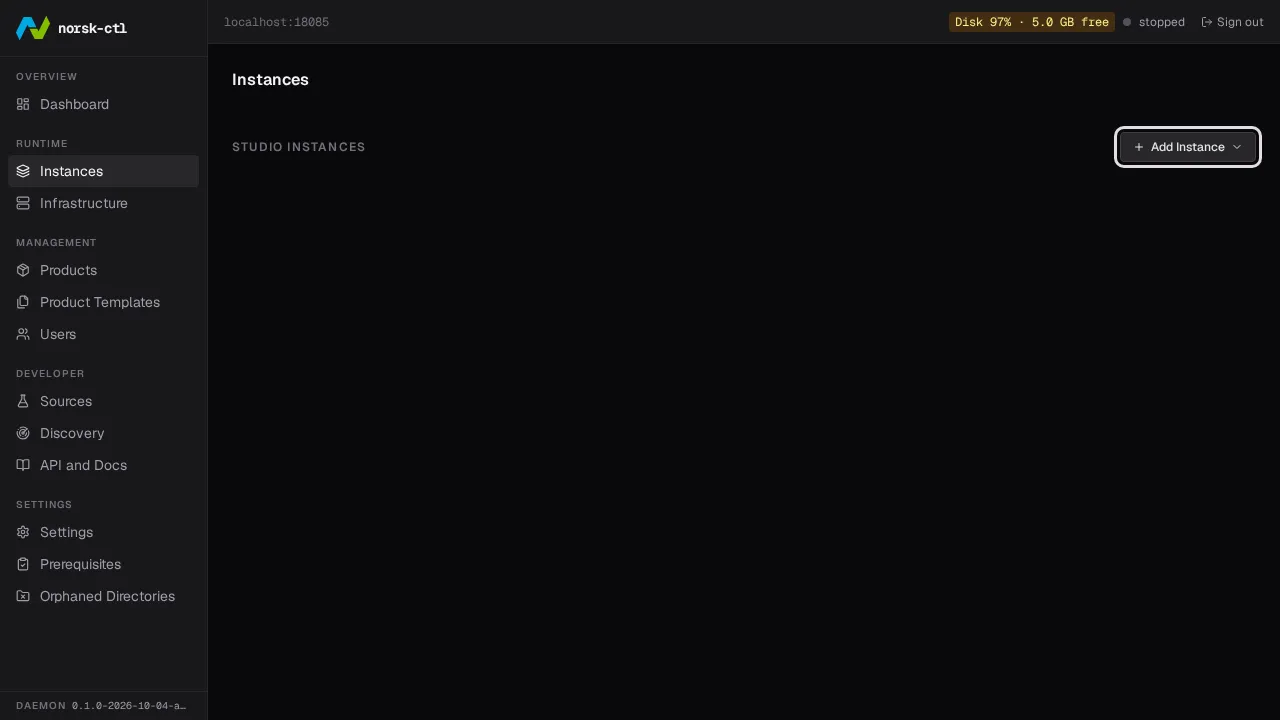
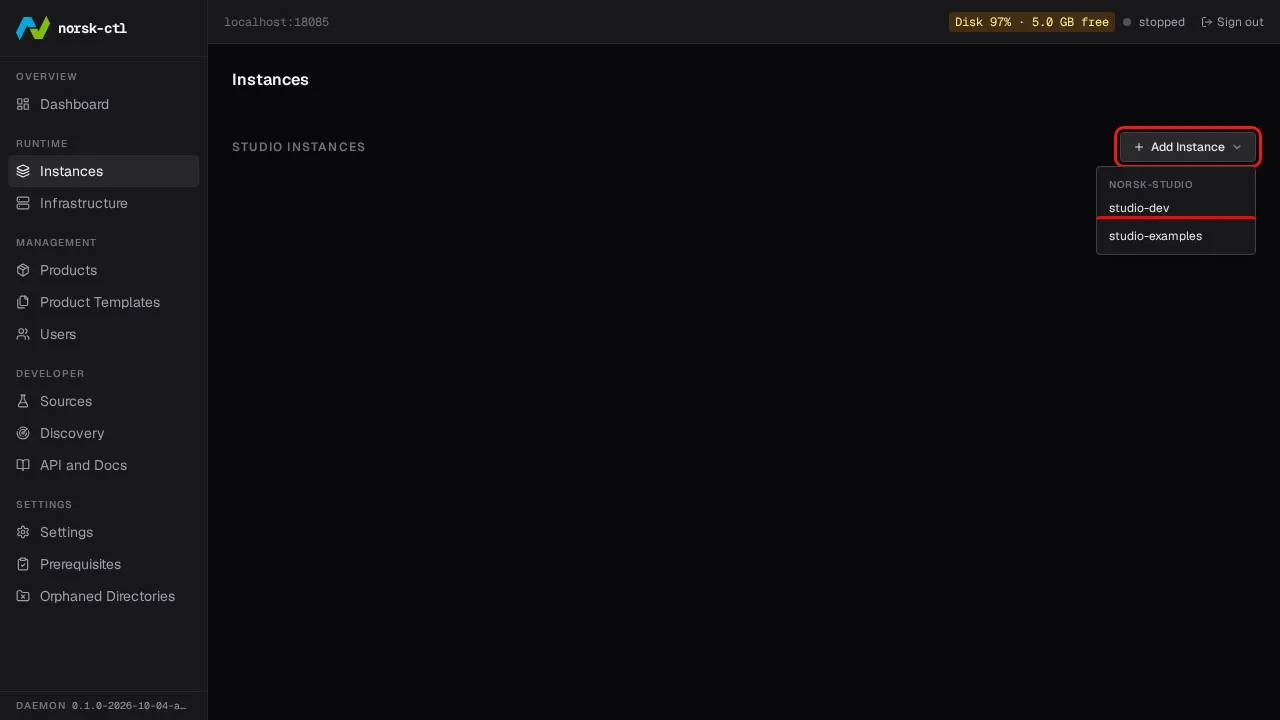
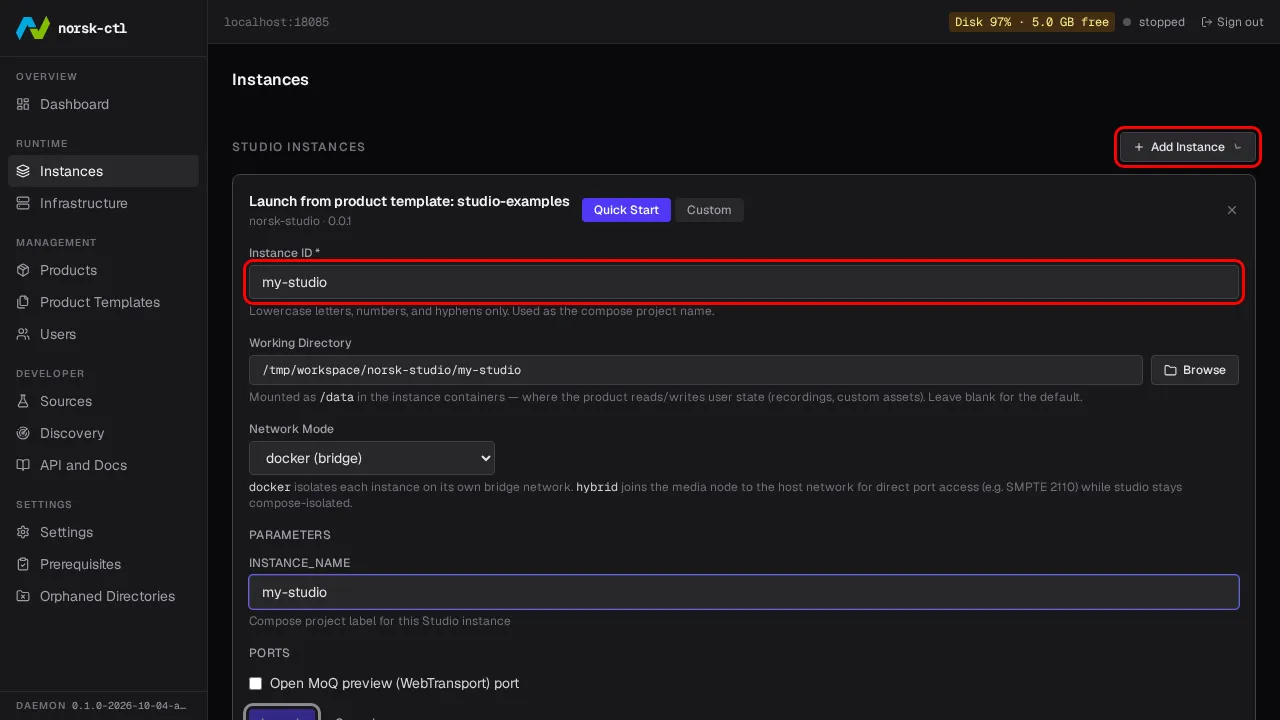
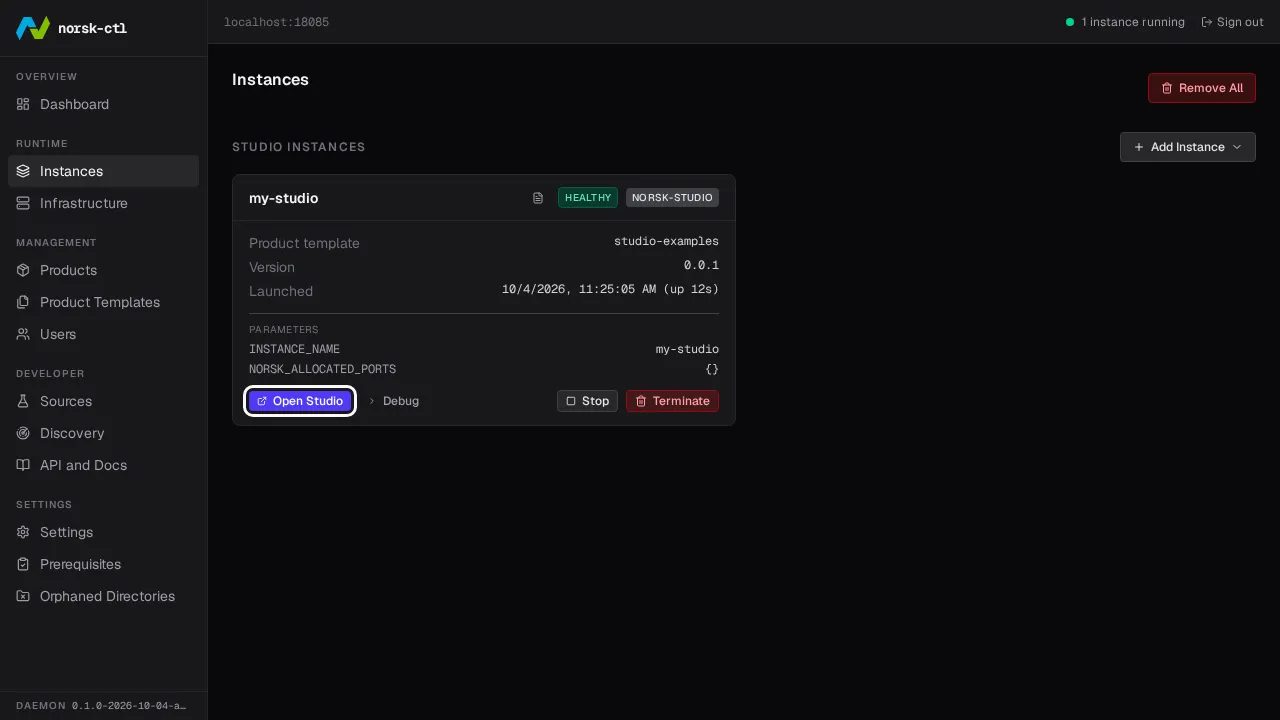
Open Norsk Studio
Section titled “Open Norsk Studio”Access the studio UI through the proxy.
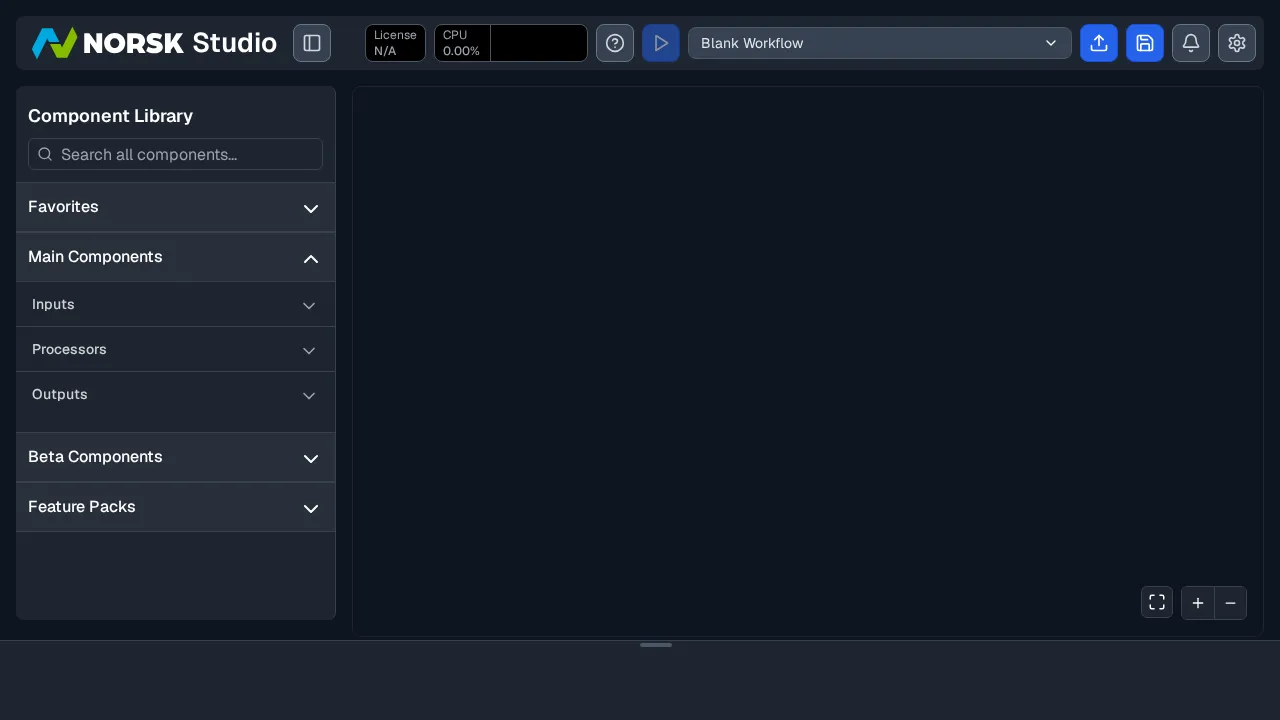
Clean up
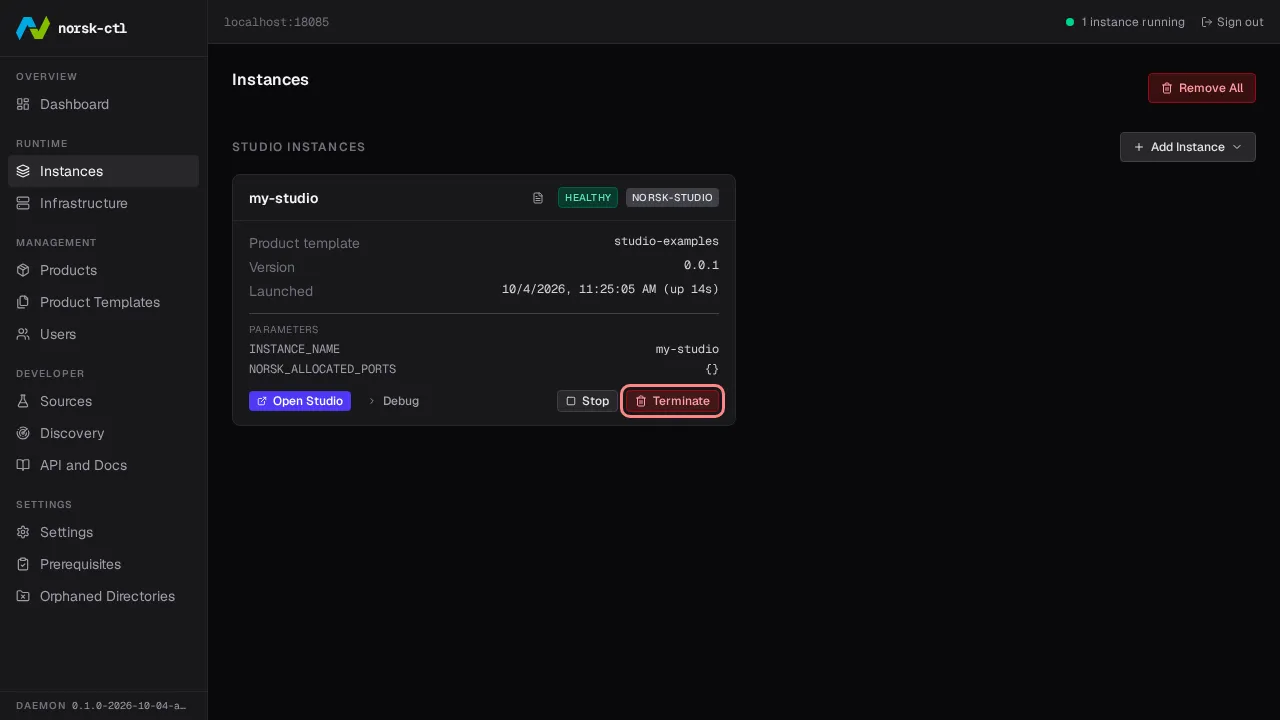
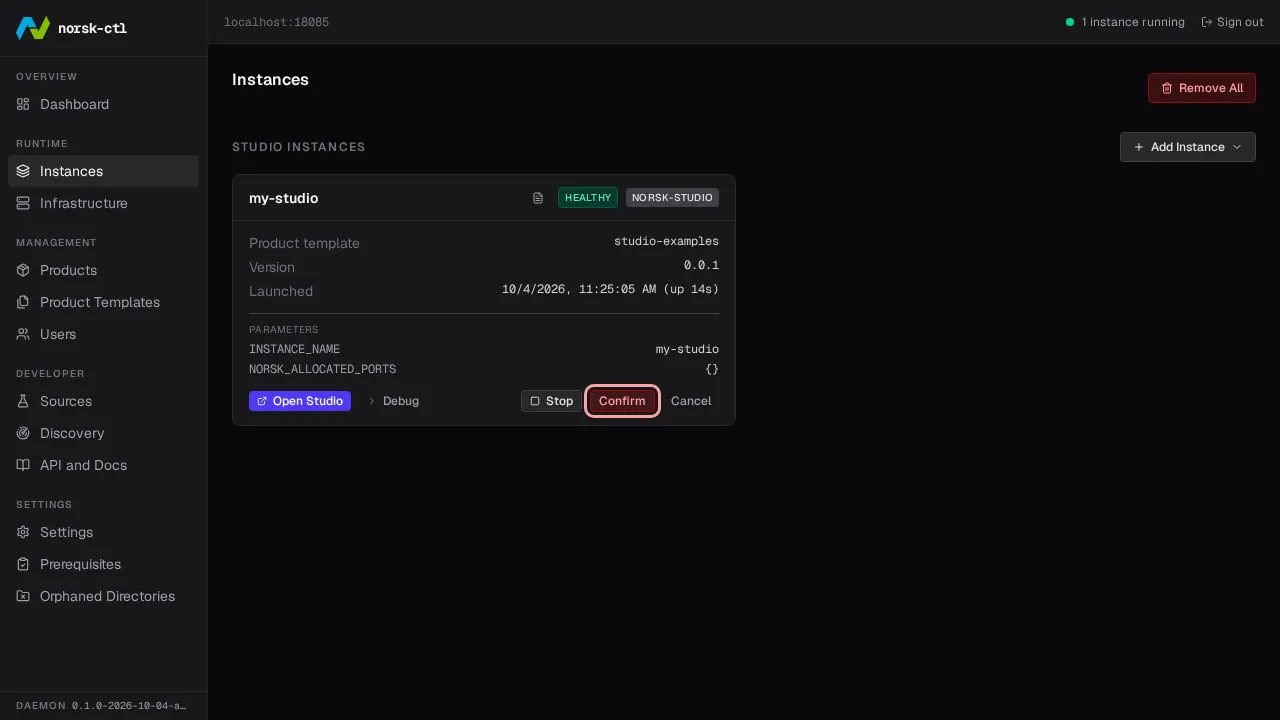
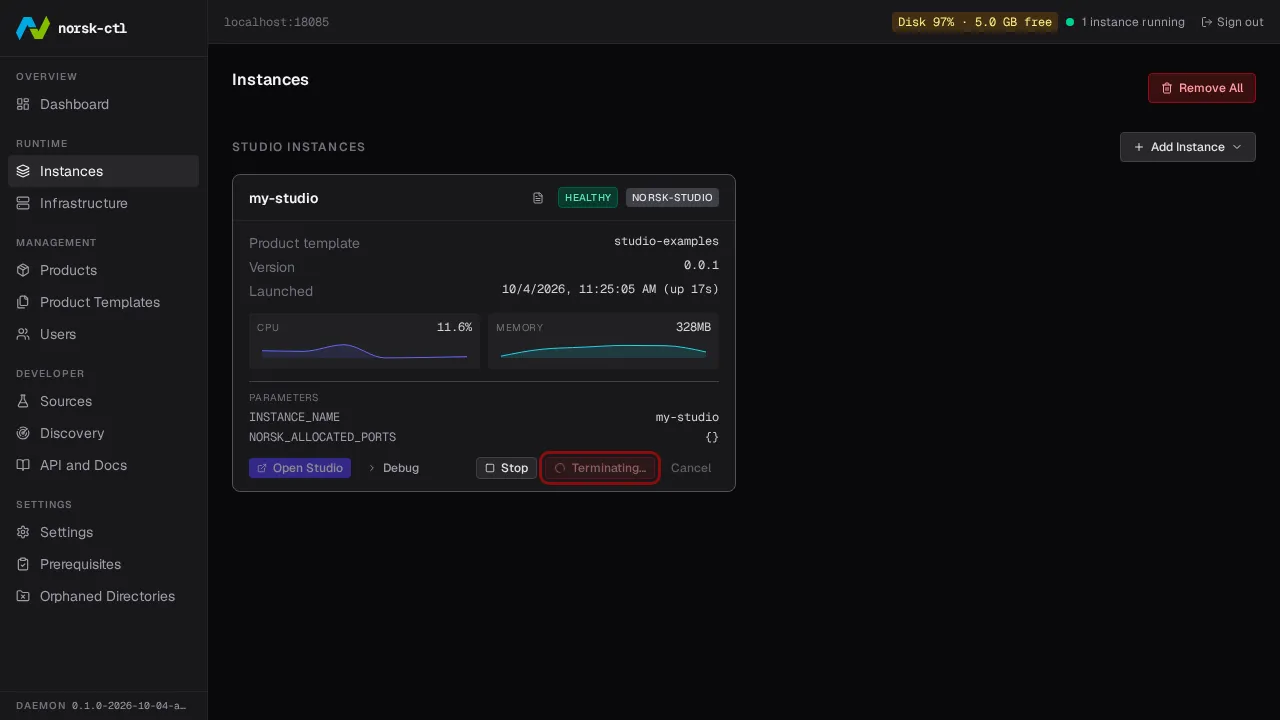
Section titled “Clean up”Navigate back to the Instances page, then Terminate the instance to delete it and free its resources.
The proxy is needed whenever instances are running — with no instances left, it can be stopped to free the port.
norsk-ctl proxy stopThe daemon can be stopped and restarted at any time — running instances and the proxy are unaffected.
norsk-ctl shutdown --daemon-onlyDaemon stopped (pid 3327907)