Zero to Hero (Host Mode, UI)
First installation
Section titled “First installation”Initialise norsk-ctl
Section titled “Initialise norsk-ctl”Run norsk-ctl init to create the configuration file with your license and default working directory. Host mode runs Norsk directly on the host — no proxy, no Docker networking.
$ norsk-ctl init --network-mode host --license-file /home/parallels/internal_dev_license.json --working-directory /tmp/workspaceConfig written to /tmp/nix-shell.DOxv4h/norsk-ctl-guide-zero-to-hero-host-ui-cLZMw5/config.yamlEquivalent command: norsk-ctl init --network-mode host --license-file /home/parallels/internal_dev_license.json --working-directory /tmp/workspaceGetting started
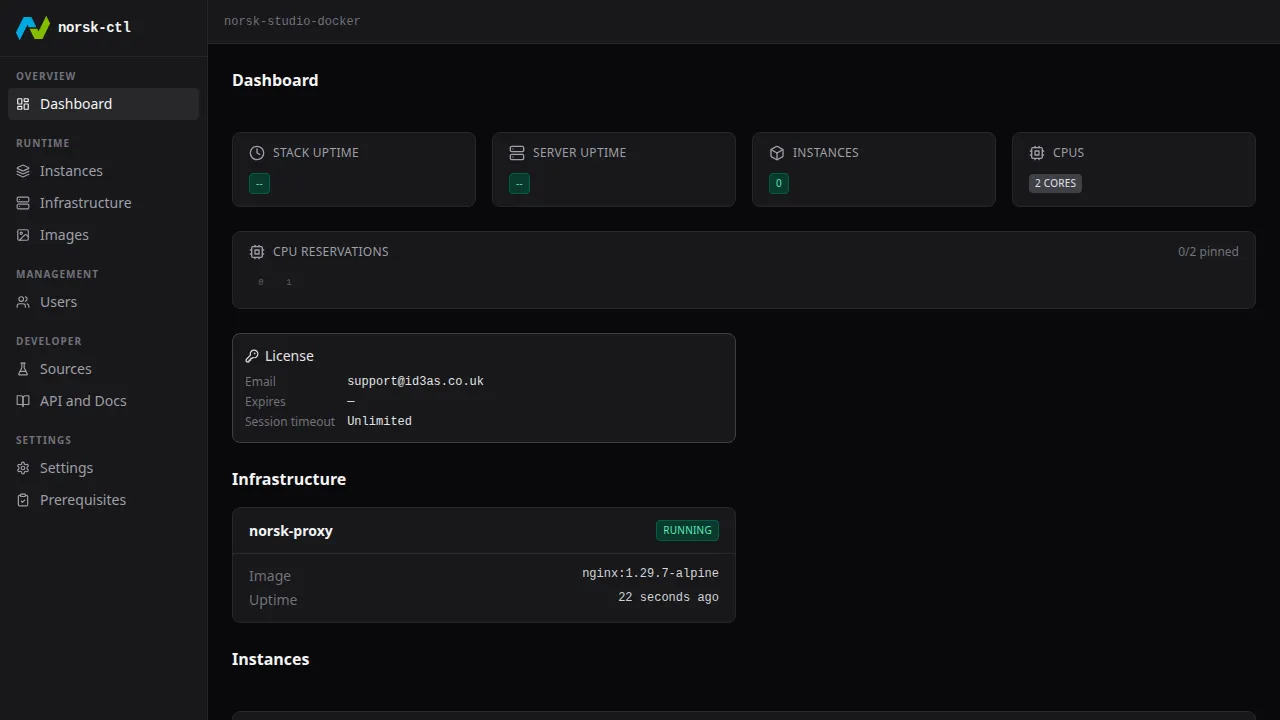
Section titled “Getting started”Open the dashboard
Section titled “Open the dashboard”Navigate directly to the daemon — no login needed in host mode.
Navigate to the Instances page
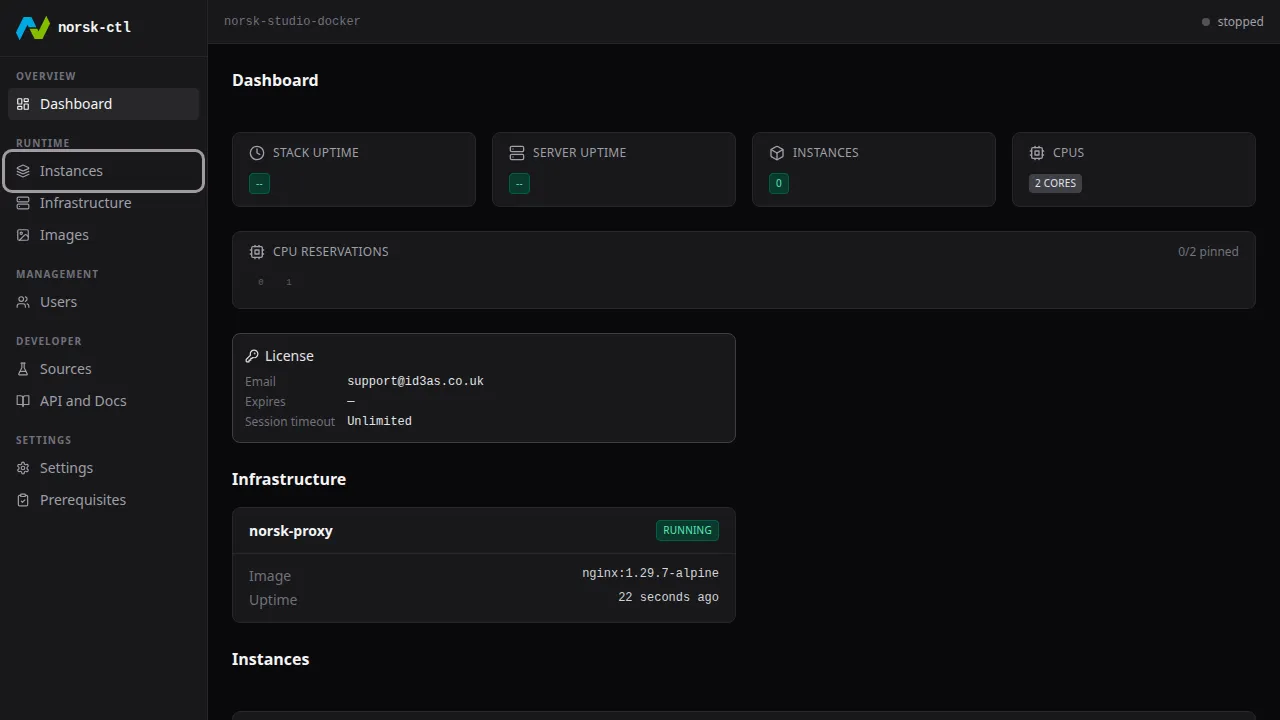
Section titled “Navigate to the Instances page”Click Instances in the sidebar to manage instances.
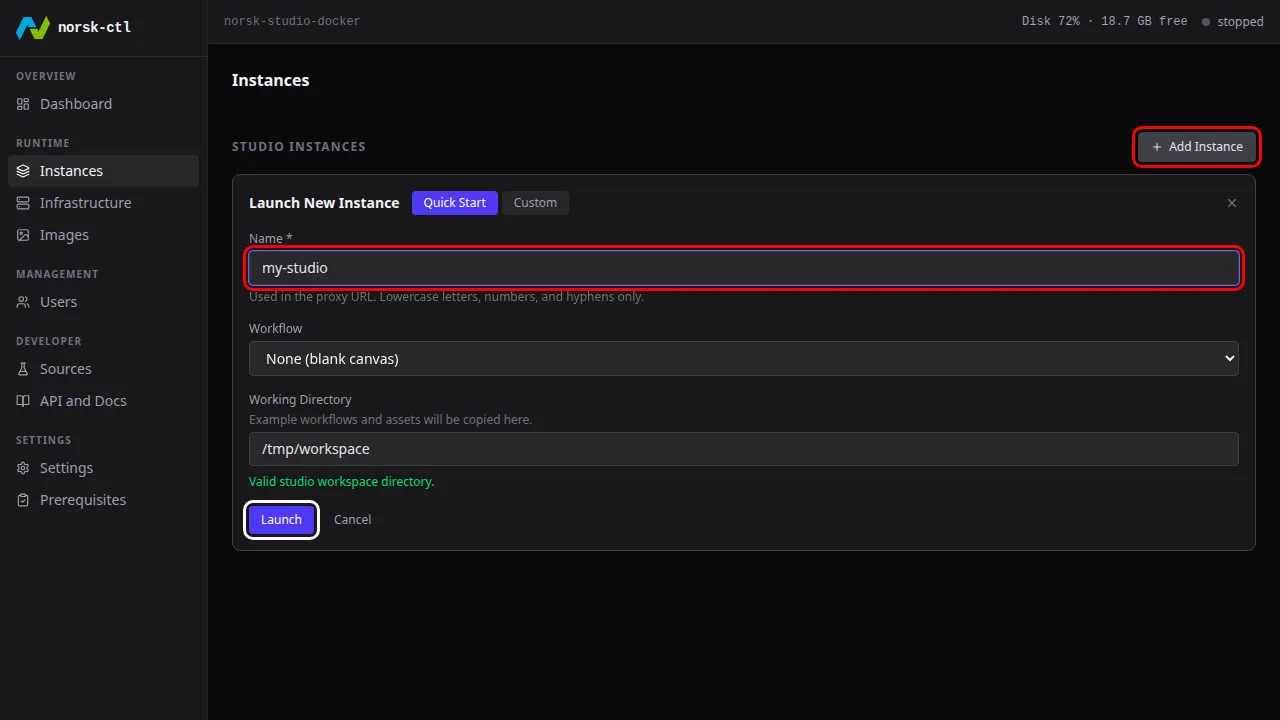
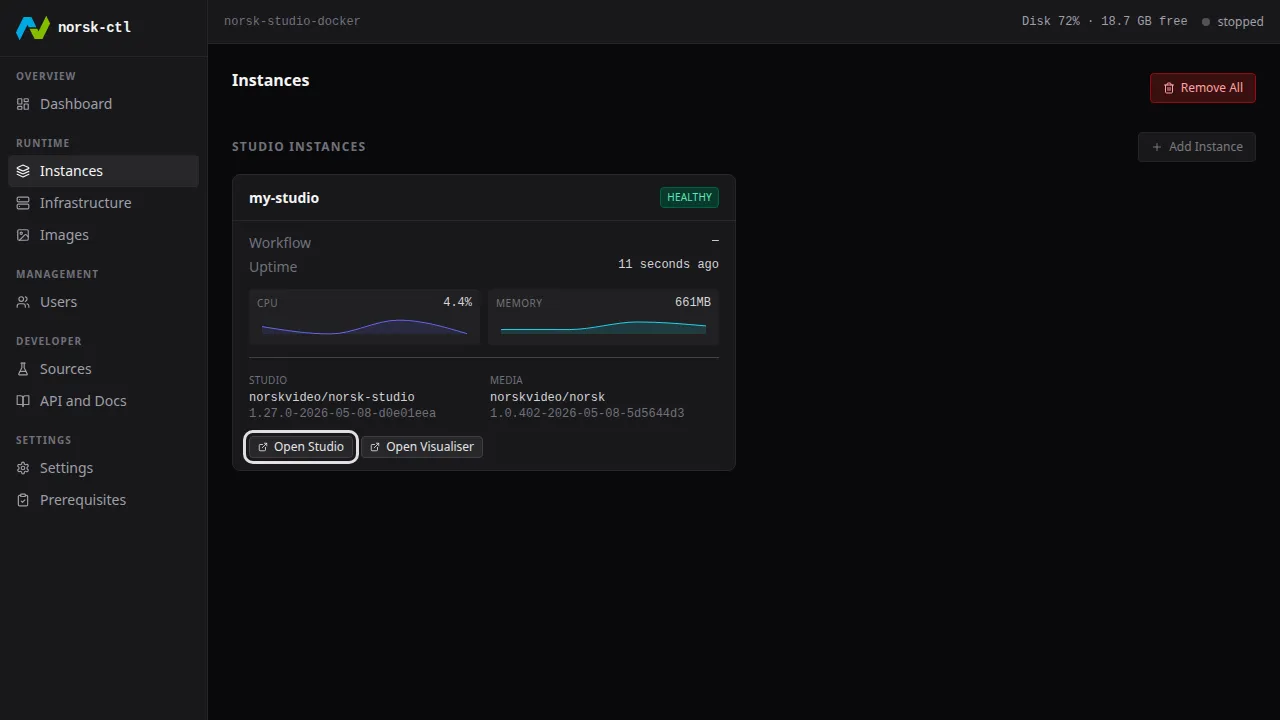
Launch an instance
Section titled “Launch an instance”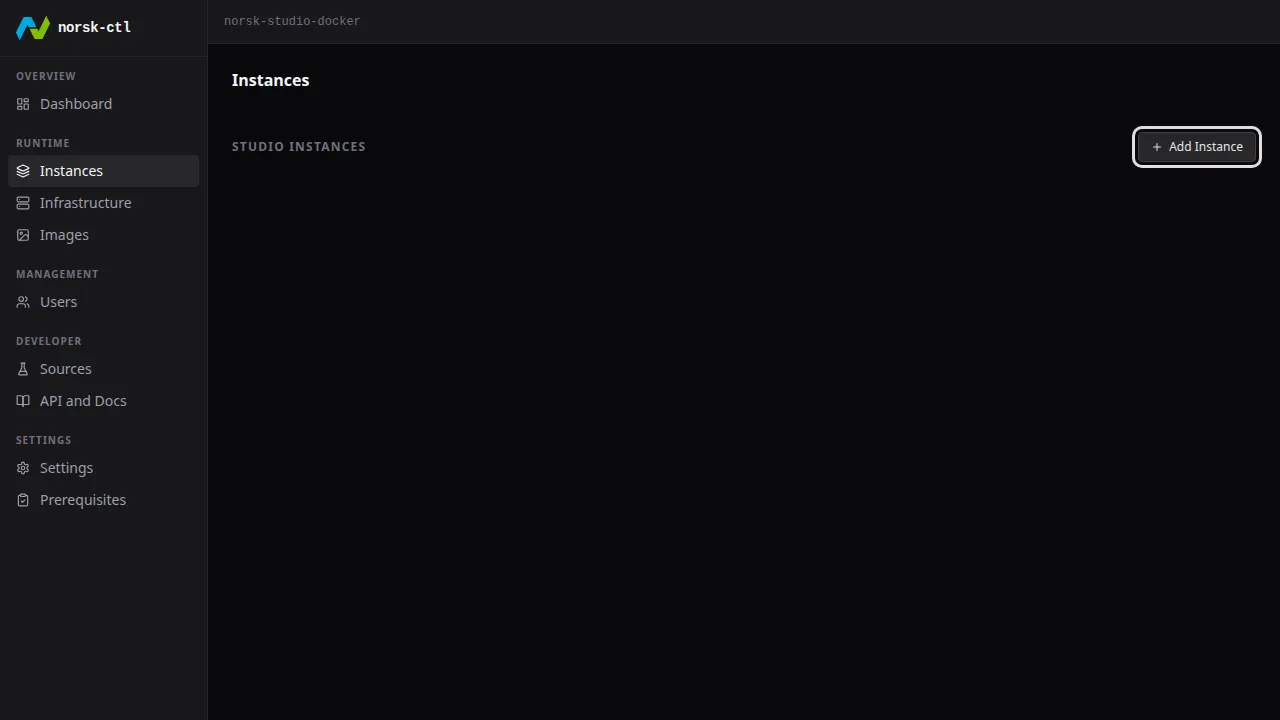
The working directory auto-fills from your init settings.
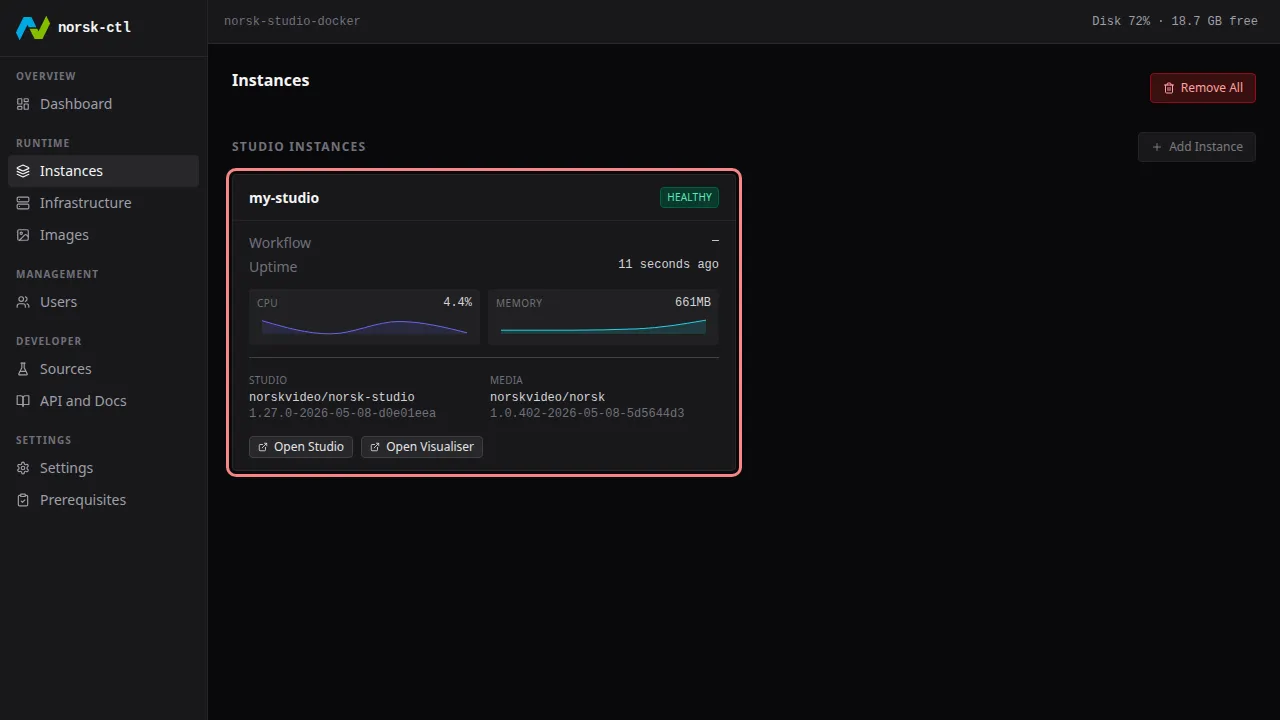
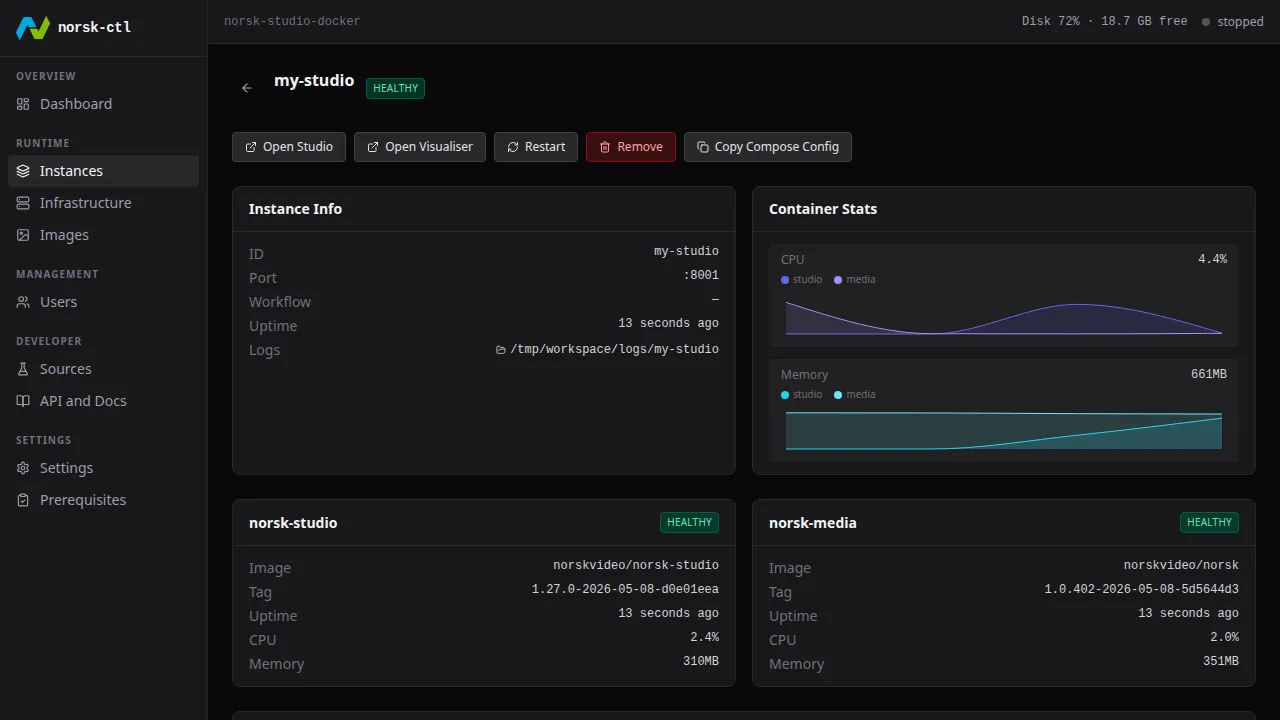
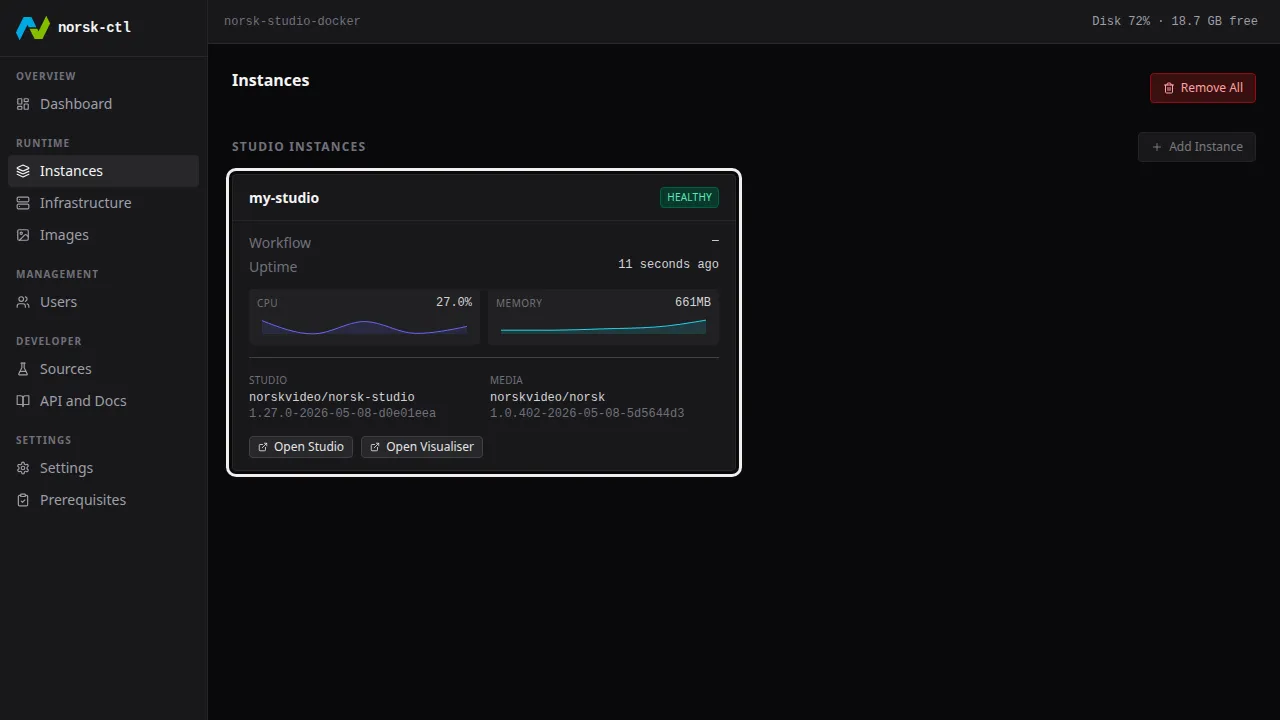
View instance details
Section titled “View instance details”Click the instance card to see its full status.
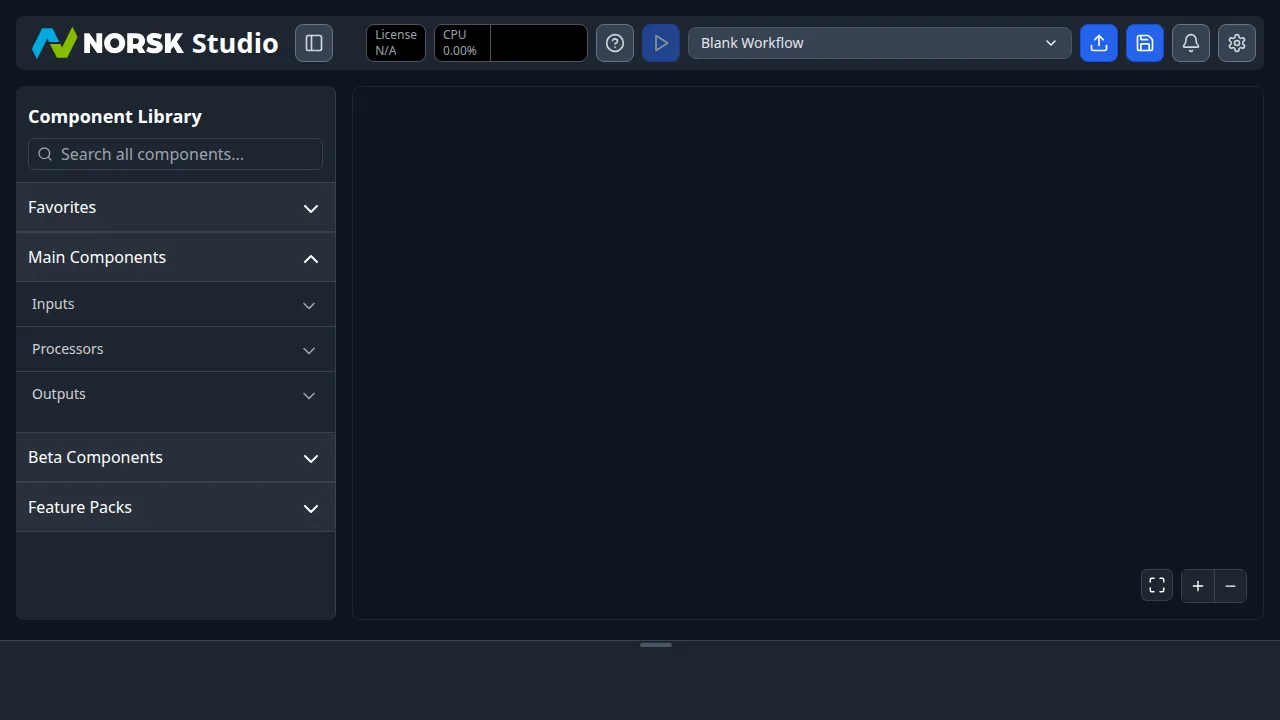
Open Norsk Studio
Section titled “Open Norsk Studio”In host mode, the studio is accessible directly on the instance port — no proxy required.
Clean up
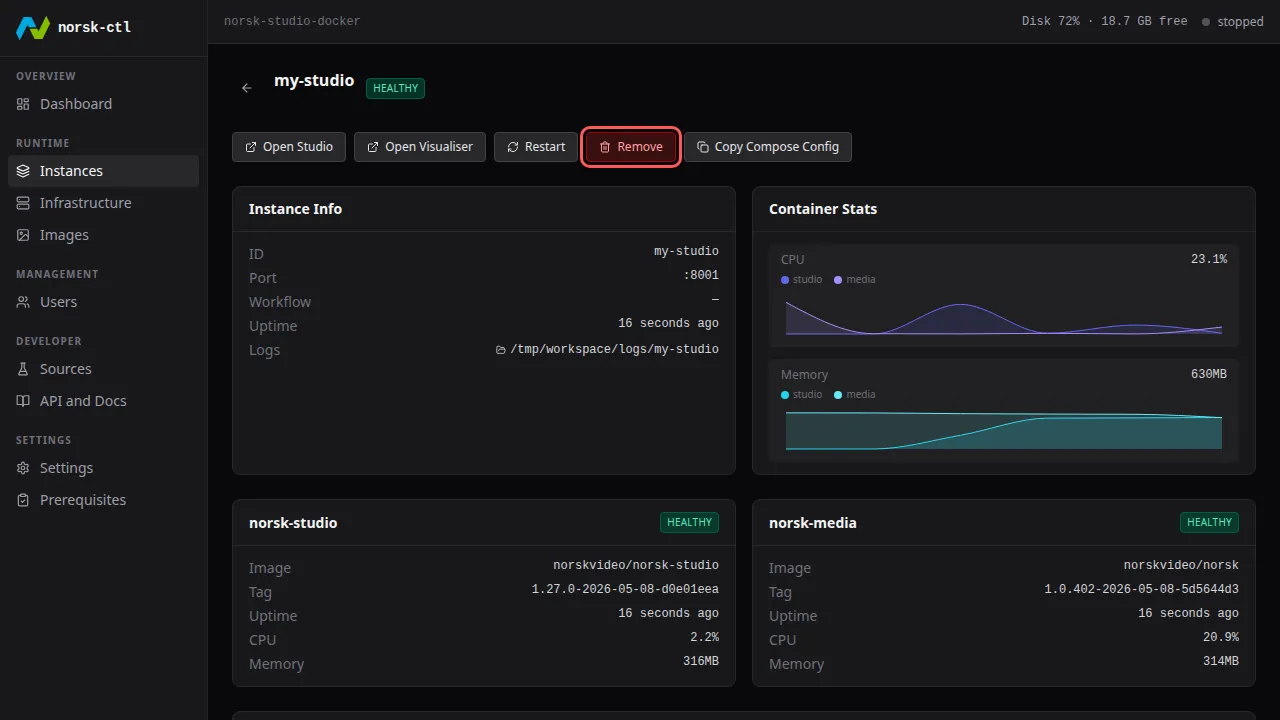
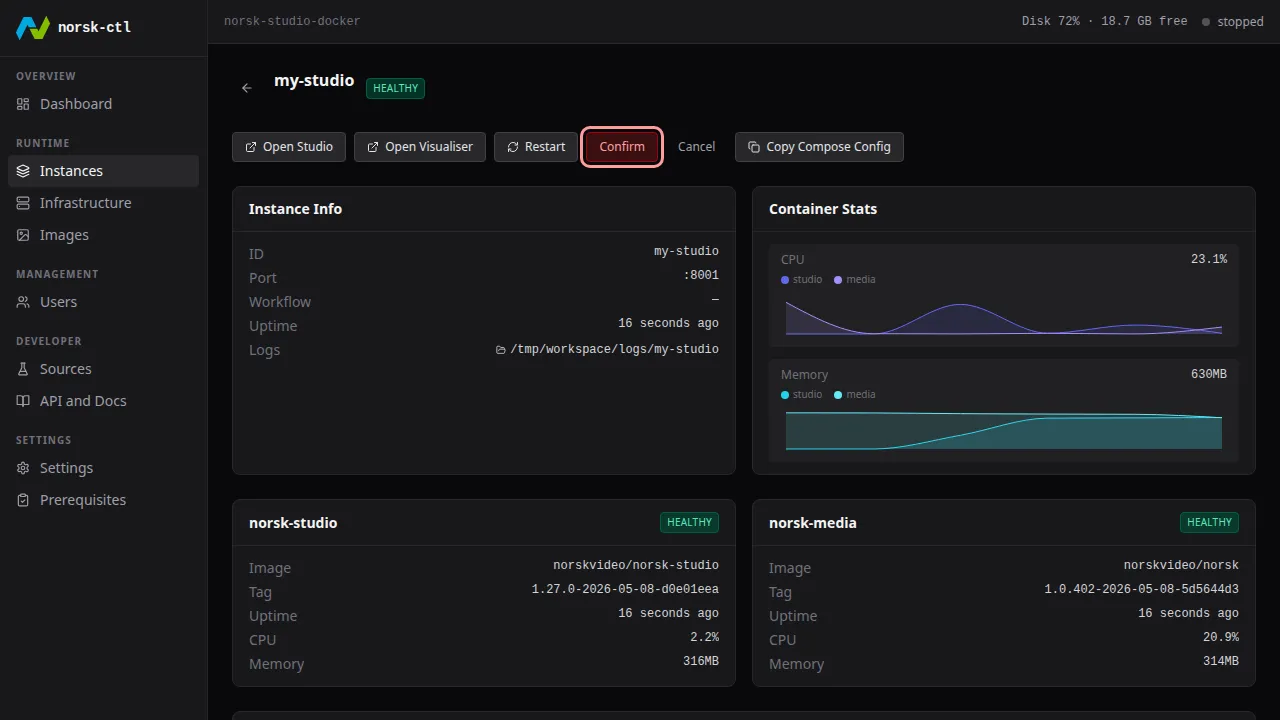
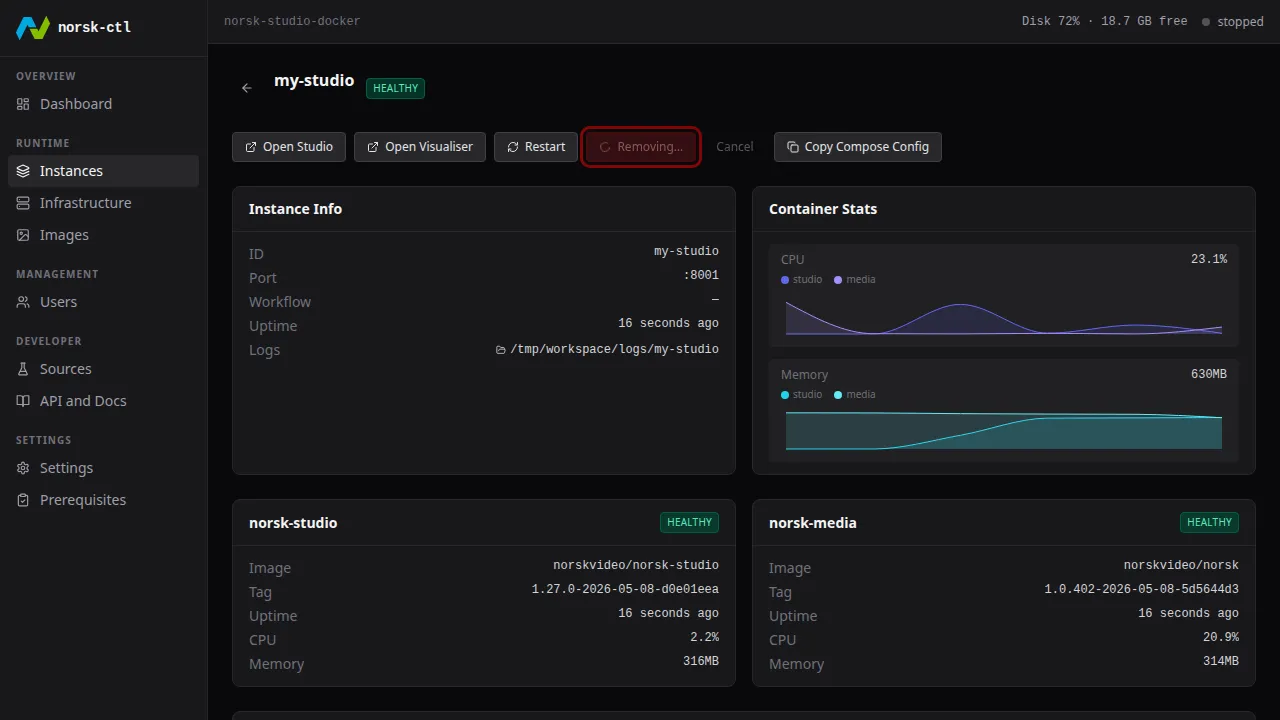
Section titled “Clean up”Navigate back to the Instances page, click the instance tile, then click Remove on the details page to delete it.
The daemon can be stopped and restarted at any time — running instances are unaffected.
$ norsk-ctl shutdown --daemon-onlyDaemon stopped (pid 640633)