Demo Quickstart
Quickstart for evaluators
Section titled “Quickstart for evaluators”Run demo
Section titled “Run demo”norsk-ctl demo is the shortest path from zero to a running Norsk Studio. It writes a minimal insecure-mode config, starts the daemon, seeds a demo/demo proxy login, and launches an instance named demo seeded with the example workflows.
$ norsk-ctl demo --license-file /home/parallels/internal_dev_license.jsonDemo ready. norsk-ctl UI: http://localhost:9080/ Login: demo / demo Norsk Studio: http://localhost:9080/instance/demo/studio/ API Docs: http://localhost:9080/docs/api.html Tear down: norsk-ctl demo deleteOpen the dashboard
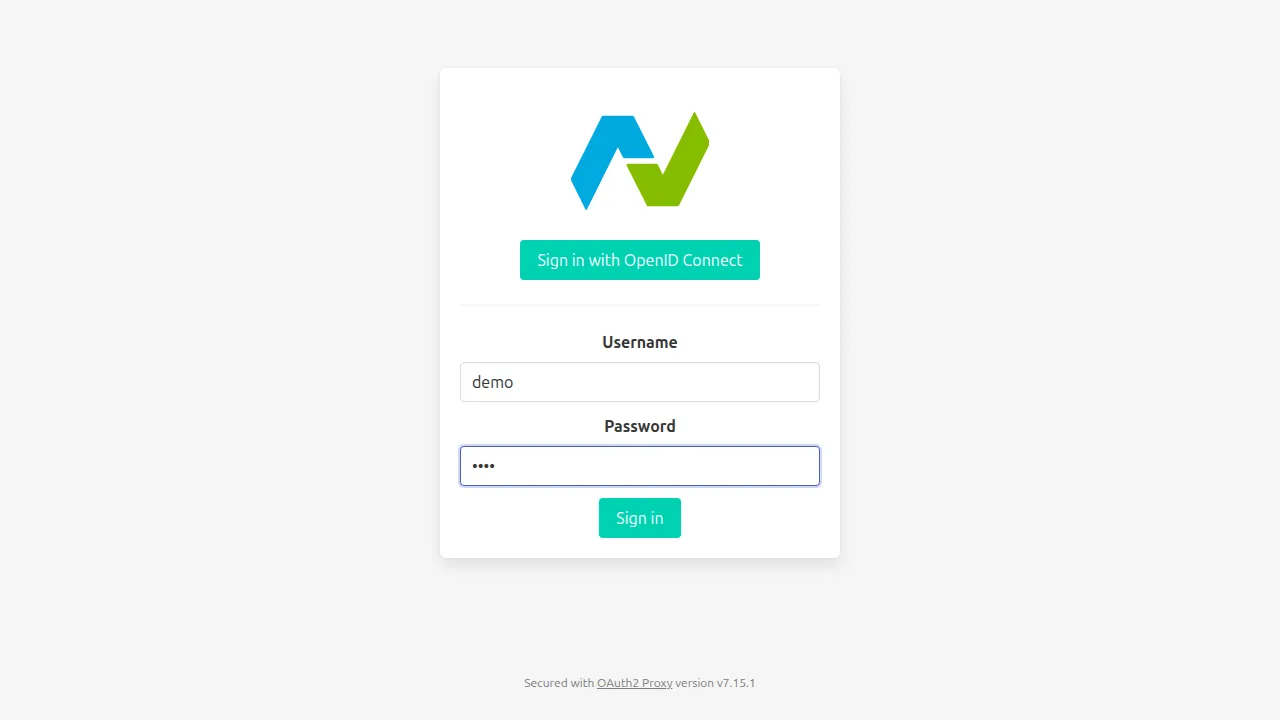
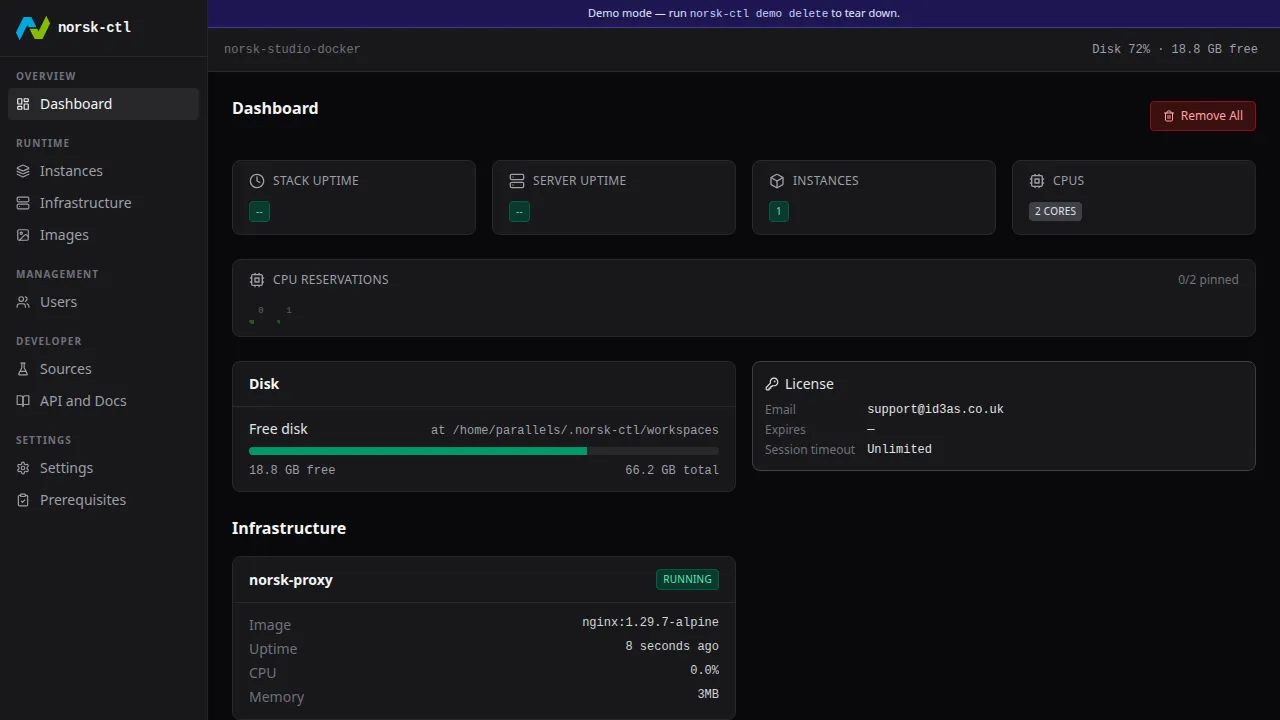
Section titled “Open the dashboard”Open the URL demo printed. The proxy serves an oauth2-proxy sign-in form. Enter demo / demo and click Sign in.
Open the Instances page
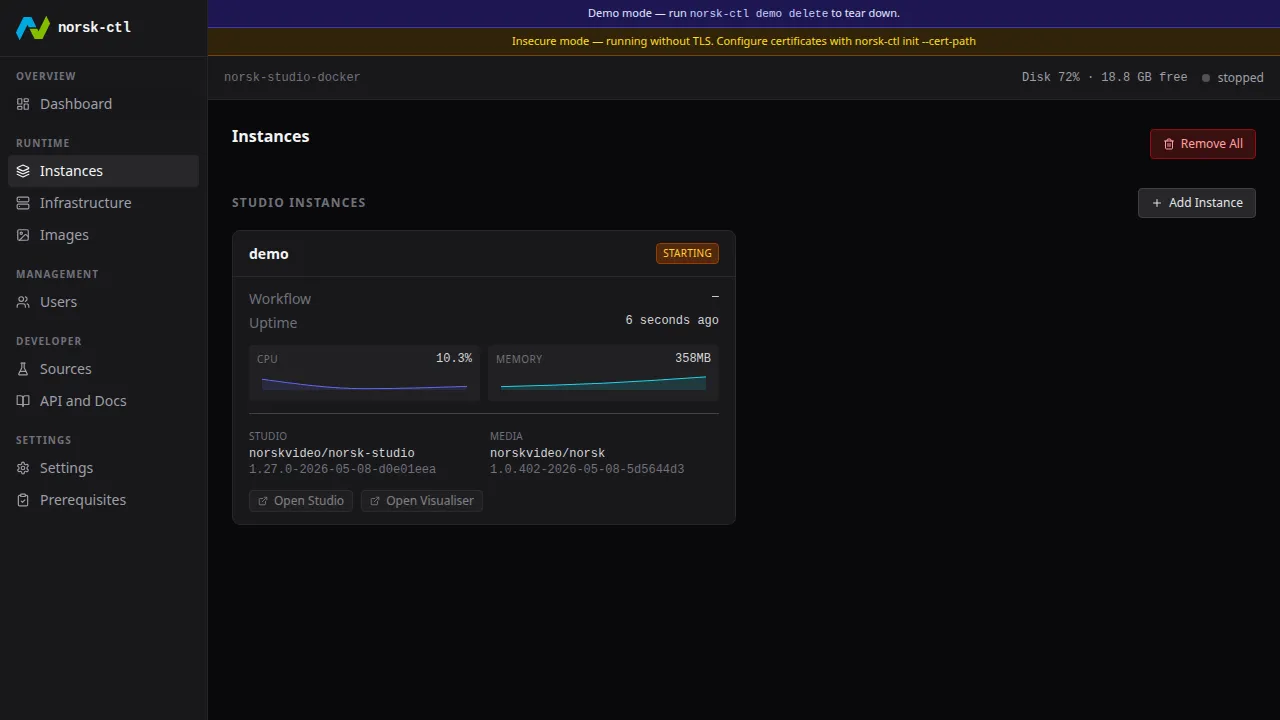
Section titled “Open the Instances page”Click Instances in the sidebar to see the seeded demo instance running.
Open Norsk Studio
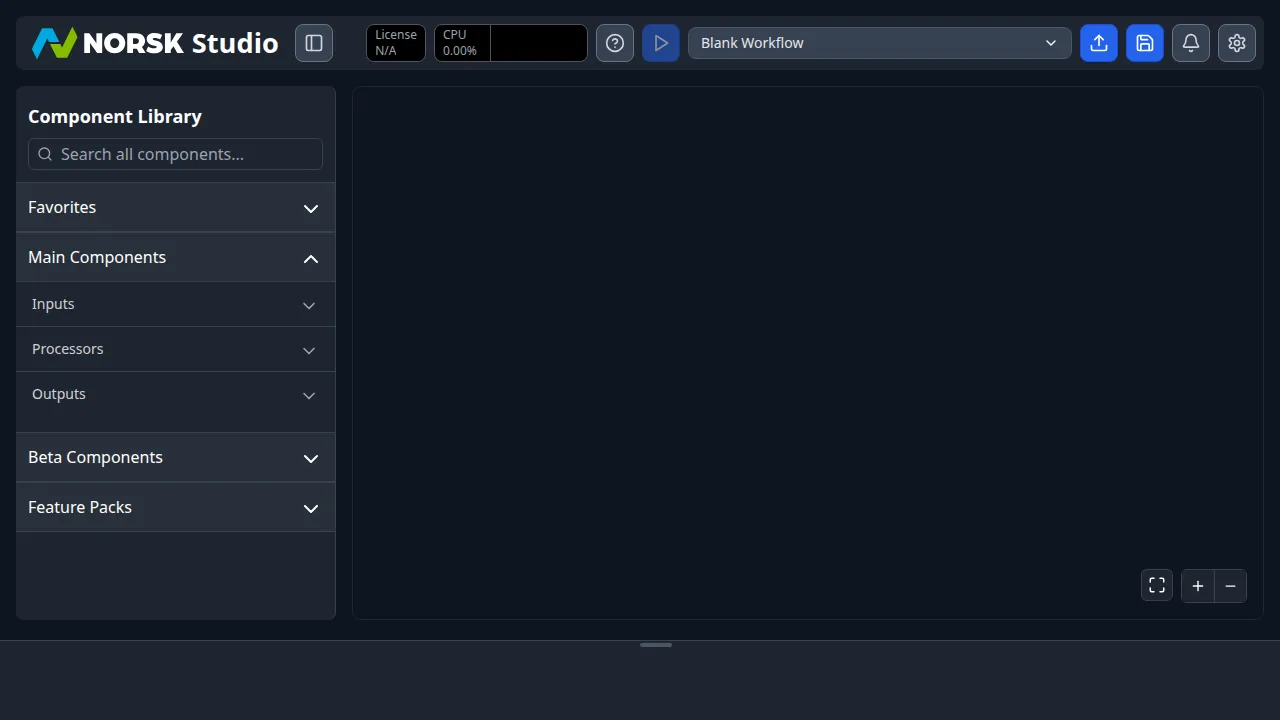
Section titled “Open Norsk Studio”Open the Studio URL demo printed. The proxy session carries through.
Tear down
Section titled “Tear down”norsk-ctl demo delete removes the demo instance and wipes the config so you can start fresh. It refuses to run if the config wasn’t created by demo — use norsk-ctl init --force to reset a normal install.
$ norsk-ctl demo deleteDemo torn down. Run 'norsk-ctl init ...' for a full setup, or 'norsk-ctl demo' to restart.